
An editor exported a supplier's catalog, opened the spreadsheet, corrected the names, and uploaded the file to the store. SKU 0017 turned into 17. Some product cards were updated incorrectly: the store already had another product with code 17.
Leading zeros are lost when a code is treated as a number. CSV stores text fields, but a spreadsheet program or importer may determine the type automatically. Set SKUs to text and check the entire process: the original file, the saved copy, and the data after import.
Check the file before opening it in a spreadsheet
Save the unchanged original. Open a copy in a text editor and find several codes: ones with zeros, letters, a hyphen, and codes that look similar to one another. Record the delimiter and encoding. The .csv extension does not indicate whether a comma or semicolon is used.
supplier_sku;name;quantity
0017;Кронштейн узкий;4
17;Кронштейн широкий;6
A-017;Кронштейн усиленный;2
0000;Заглушка;8
This is a training set: 0017 and 17 are different products here. In your system, the catalog owner defines the matching rule. Do not remove zeros, spaces, or symbols out of habit without checking whether they are part of the code.
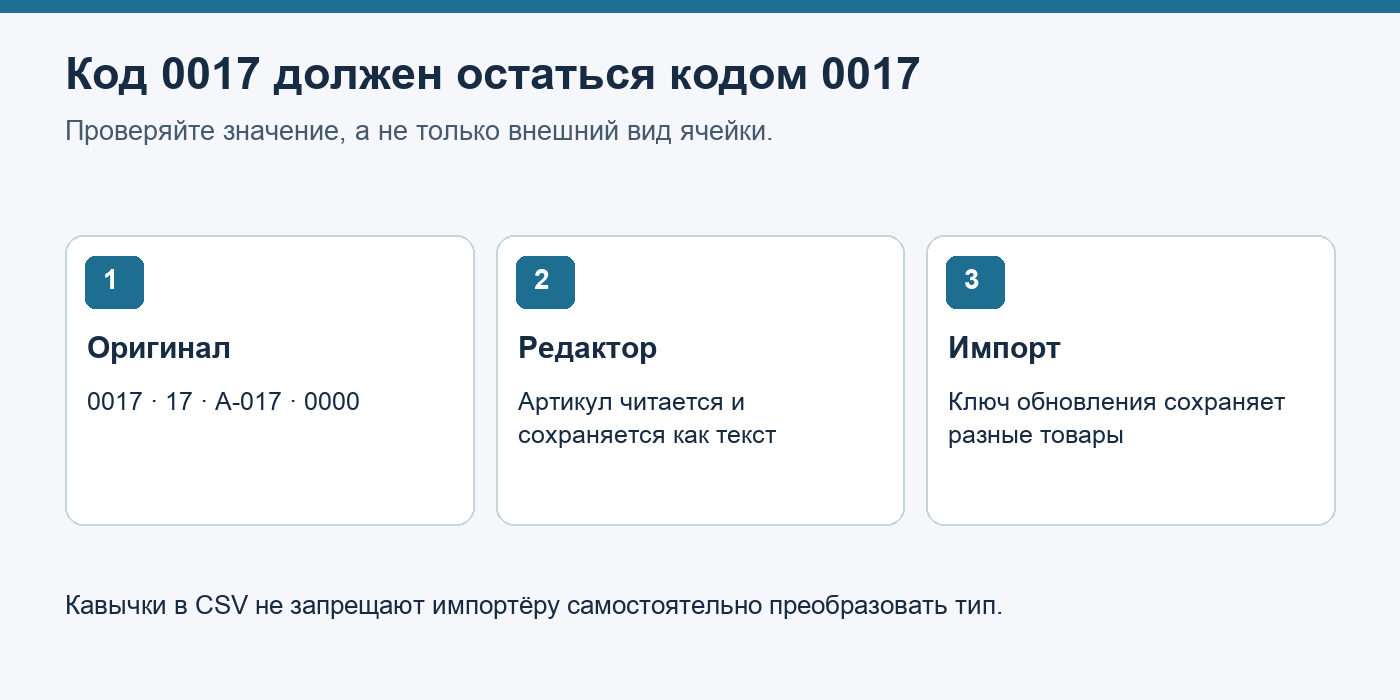
Import the column as text
Open the spreadsheet program's standard import wizard and set the type for the SKU column before loading the data. The command name depends on the program and version. If you open the file by double-clicking it, the program may apply automatic conversion before you even see the spreadsheet.
A cell format with added zeros does not restore the lost original code. After saving, open the CSV again in a text editor: what is written in the file is what matters. If the zeros have already disappeared, restore the column from the original while preserving row relationships using a reliable key.
Read the same rows without automatic conversion
In Python, the standard csv module reads fields as strings by default. Below is a minimal check of the training file; it does not replace the validation rules of a specific store.
import csv

with open('catalog-example.csv', encoding='utf-8', newline='') as source:
    rows = list(csv.DictReader(source, delimiter=';'))

codes = [row['supplier_sku'] for row in rows]
assert codes == ['0017', '17', 'A-017', '0000']
assert len(codes) == len(set(codes))
print('Коды прочитаны без изменения:', codes)
The delimiter is set explicitly here. The uniqueness check is suitable only if each code should occur once: an inventory table by warehouse may legitimately contain duplicates.
Perform a test upload before the entire catalog
| Check | Expected result in the training set |
|---|---|
| Leading zeros | 0017 and 0000 were preserved in full |
| Similar codes | 0017 and 17 were not merged |
| Letters and symbol | A-017 was not changed |
| Update key | The importer updates the product card you selected according to the catalog rules |
| Repeat import | The number and composition of product cards match the selected mode; there are no unexpected duplicates |
Use a test catalog or the standard preview. Compare the SKU value in the export, the interface, and the subsequent export. If the check fails, do not launch the bulk update.
What to send to the importer developer
Attach the original file, the resulting copy, the expected values, and the matching-key setting. Indicate at which step the difference appeared. The wording “the encoding broke” will not help if the problem is the column's numeric type.
For a more detailed automated check, the author has a Python CSV check on DEV Community in English: examples and the full script. For quick reproduction of this article, the following are available: training CSV and minimal script.